SkyCanvass
Switching to SkyCanvass

Switch to SkyCanvass without the data headache.

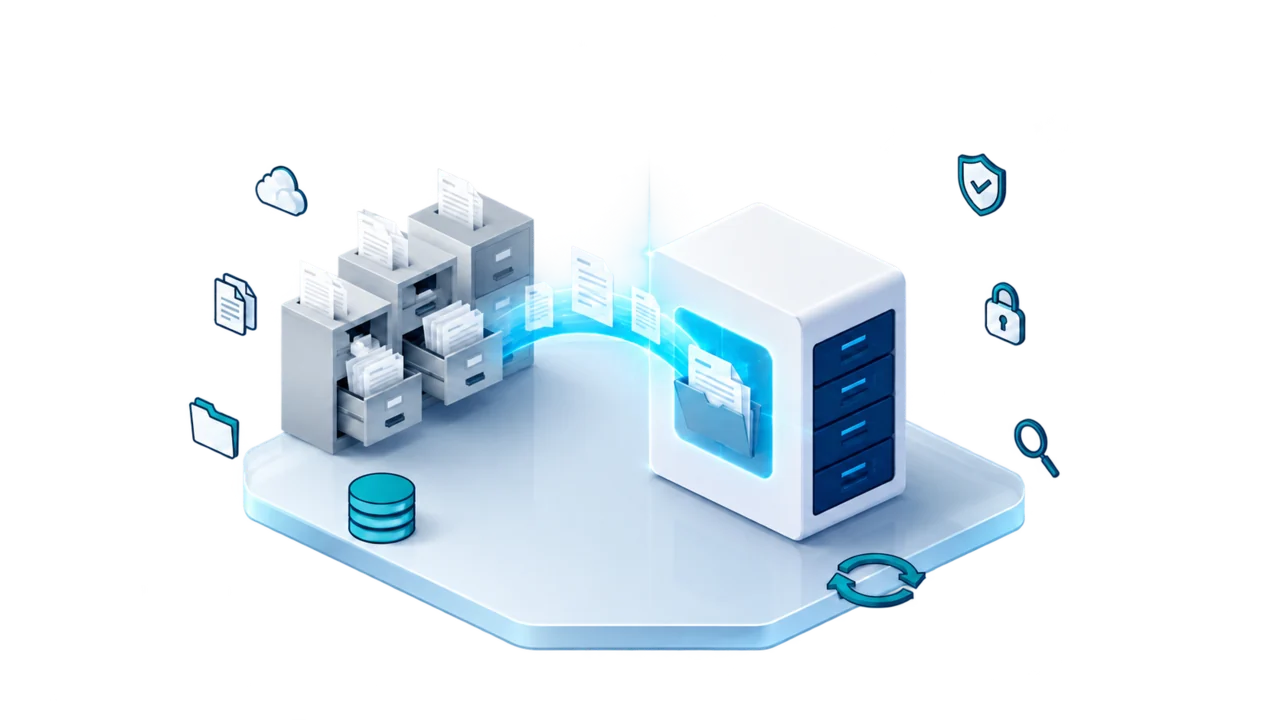
The big fear in leaving a CRM is losing your customers, your job history, and your documents, or having to move all of it yourself. You do not. We do the moving, as part of onboarding for new customers.

The promise

You do not migrate your own data.

Whether you run a contracting company, manage properties, or run any other kind of service business, if you are on a CRM today and you want to move to ours, we handle the move. That holds no matter which system you are leaving or how much has piled up in it.

Contractors
Contracting companies

Your customer list, the jobs you have run, and the paperwork that goes with them come across with you.

Property management
Property managers

Your properties, the owners behind them, and the work history on each one come across with you.

Other industries
Any other service business

If your work runs on customers, jobs, and documents, it moves the same way. Tell us what you are on today.

How it works

Three steps, from your old system into this one.

Nothing in here needs a technical person on your side. You ask for your data, you hand it over, and we load it.

Step 01
Request your data from your current CRM

Every system lets you ask for an export of your own customers, jobs, and documents. It is your business in there, so you can ask for it. If you are not sure who to ask or what to ask for, tell us and we will tell you what to say.

Step 02
Hand that export to us

Whatever format it comes back in, send it over. You do not have to clean it up, rename anything, or fit it into a template first. If it comes back as several files, send all of them.

Step 03
We load it into SkyCanvass

Your customers, your job files, and your documents go into your account, organized and ready on day one. You log into a system that already knows the work you have done.

Asking your current system for an export does not take anything out of it. What you send us is a copy, so you keep working where you are while we load it.

What comes over

You keep what you have already built.

Years of work sit inside the system you are on now. The whole point of the move is that you are not starting over on an empty screen.

Customers
Your customers, and the history of talking to them

The people you have worked for, how to reach them, and the record of what was said and when. Nobody rebuilds a customer list from memory.

Jobs
Your job files

The work you have done, address by address, so when a customer calls back next year the history is already in front of you.

Paperwork
Your documents and photos

The paperwork and the pictures that belong to a job stay attached to that job, where your office can find them.

We talk about this at the level of your customers, your jobs, and your documents, because that is the level it matters at. Once we have your export in front of us we will tell you what is in it before anything gets loaded.

The one thing we need from you

You have to request the export. Only you can.

A CRM will hand your data to you, because you are the account holder. It will not hand it to us, and it should not. So that first step is yours: ask your current system for an export of your customers, jobs, and documents.

We never need a login to your old system, only the export it hands you. If something in the export does not make sense, we come back to you with a question, not with a task list.

Bring your data with you.

Tell us what you are on today and what you want moved. We handle the migration as part of onboarding for new customers.