Every PDF a job throws at you. One toolbox.
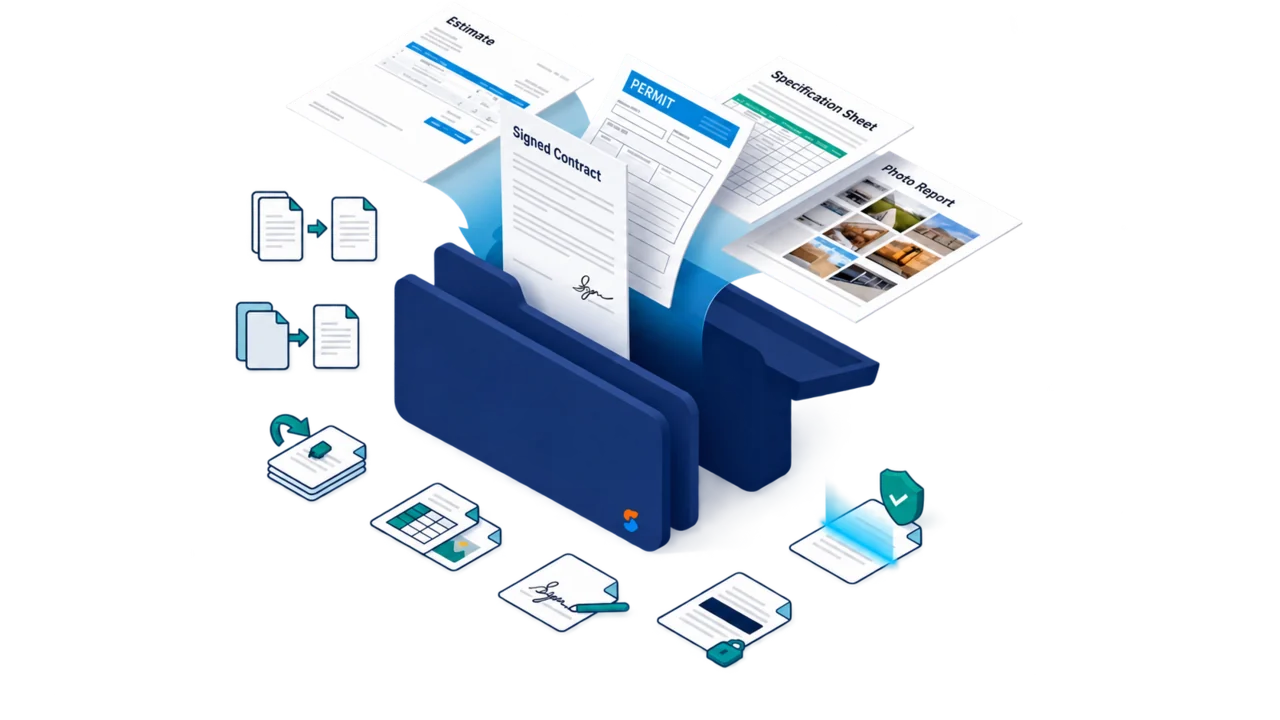
Estimates, contracts, permit forms, spec sheets, photo reports. Work on them locally without an account or automatic document upload. If you opened a file from a CRM project, you can choose Send back to upload the result to that project.
- 37 tools in the browser
- No daily usage cap
- Free, no account needed
Every tool, grouped by the job it does.
37 tools in the browser, every one of them live today. Each opens right here and works on your file without uploading it.
Organize
Get a pile of pages into the shape the job needs.
 Merge PDFs
Combine the estimate, photos, and storm report into one document to send.
 Split a PDF
Break a long document into separate files at the pages you choose.
 Reorder pages
Drag pages into the right order before anyone else sees them.
 Extract pages
Pull just the pages you need into their own file.
 Delete pages
Drop the blanks and duplicates without rebuilding the file.
 Rotate pages
Fix the sideways scan in one click.
 Compress a PDF
Shrink a photo-heavy file until email stops rejecting it.
 Repair a PDF
Get the pages back out of a file that won't open or opens blank.
 Add page numbers
Number the pages so a printed set stays in order.
Convert
Move between PDF and the formats the rest of the job uses.
 PDF to Word
Turn a locked document back into something you can edit.
 Word to PDF
Send the contract as a file nobody can accidentally change.
 PDF to Excel
Get a table out of a PDF and into a spreadsheet without retyping it.
 Excel to PDF
Share the numbers with the formatting frozen in place.
 PDF to images
Save pages as images for a text, a slide, or a listing.
 Images to PDF
Turn a camera roll of jobsite photos into one clean document.
 PowerPoint to PDF
Hand off the presentation as a file that opens anywhere.
 PDF to PowerPoint
Turn report pages into slides you can present from.
 HTML to PDF
Save a web page as a file you can attach and keep.
 Text & RTF to PDF
Turn plain notes into a document you can send.
 CSV to PDF
Print-ready tables from raw spreadsheet exports.
 PDF/A for archiving
Convert to the long-term archive format records offices ask for.
 Scan to searchable PDF
Make a scanned form searchable so you can find it again by its contents.
 PDF to Markdown
Pull the text back out as clean Markdown, headings and all.
Edit
Fix the document without hunting for whoever has the original.
 Edit text & images
Correct the typo or swap the logo directly in the PDF.
 Annotate & highlight
Mark up a draft so your team knows exactly what changes.
 Fill forms
Type into permit applications and supplier forms instead of printing them.
 Create fillable forms
Turn a plain permit or inspection sheet into a form people can fill on any device.
 Crop pages
Trim the scanner's black edges and the margins you don't want.
 Add a watermark
Stamp DRAFT or your company name across every page.
Sign & secure
Get documents signed and keep the sensitive ones controlled.
 e-Sign
Draw or type your signature and place it on the page, no printer involved.
 Protect with a password
Lock a file so only the person it's for can open it.
 Unlock a PDF
Remove a password from a file you own and have the right to open.
 Redact
Black out private details for good, not just visually.
 Flatten
Freeze form fields and markups so nothing shifts after you send it.
Read & scan
Open, read, and capture documents without extra software.


Ask the document
Planned as SkyCanvass app features. These need AI processing, so they will run in the app when they arrive, never in this free local toolbox, where every file stays in your browser.
 Chat with a PDFPlanned · in SkyCanvass
Ask a long document a question and get the answer with the page it came from.
 Summarize a PDFPlanned · in SkyCanvass
Get the short version of a spec sheet or code section before deciding to read it all.
 Translate a PDFPlanned · in SkyCanvass
Read a document in the language your team works in.
Word, Excel, and PowerPoint are trademarks of Microsoft Corporation. SkyCanvass is not affiliated with, endorsed by, or sponsored by Microsoft Corporation.
Everything in the toolbox is free.
Thirty-five browser tools are available without an account, daily usage cap, or paid tier. Standalone processing stays on your device, with no automatic document upload. If you opened a file from a CRM project, choosing Send back uploads your result to that project. Supported files depend on the tool and browser. The separate PDF-to-ESX converter needs a SkyCanvass account.
Free for everyone
Everyday tools
Heavier tools
Free for everyone. No daily usage cap.
No per-tool fees, subscription, or account. Standalone processing stays on your device; optional CRM Send back uploads only when you choose it. Supported files depend on the tool and browser. The separate PDF-to-ESX converter needs a SkyCanvass account.